
Configure content scheduling rules once (by time of day, location, audience segment or based on whether a store is open/closed)
Let the platform automatically execute. No manual content reshuffles.

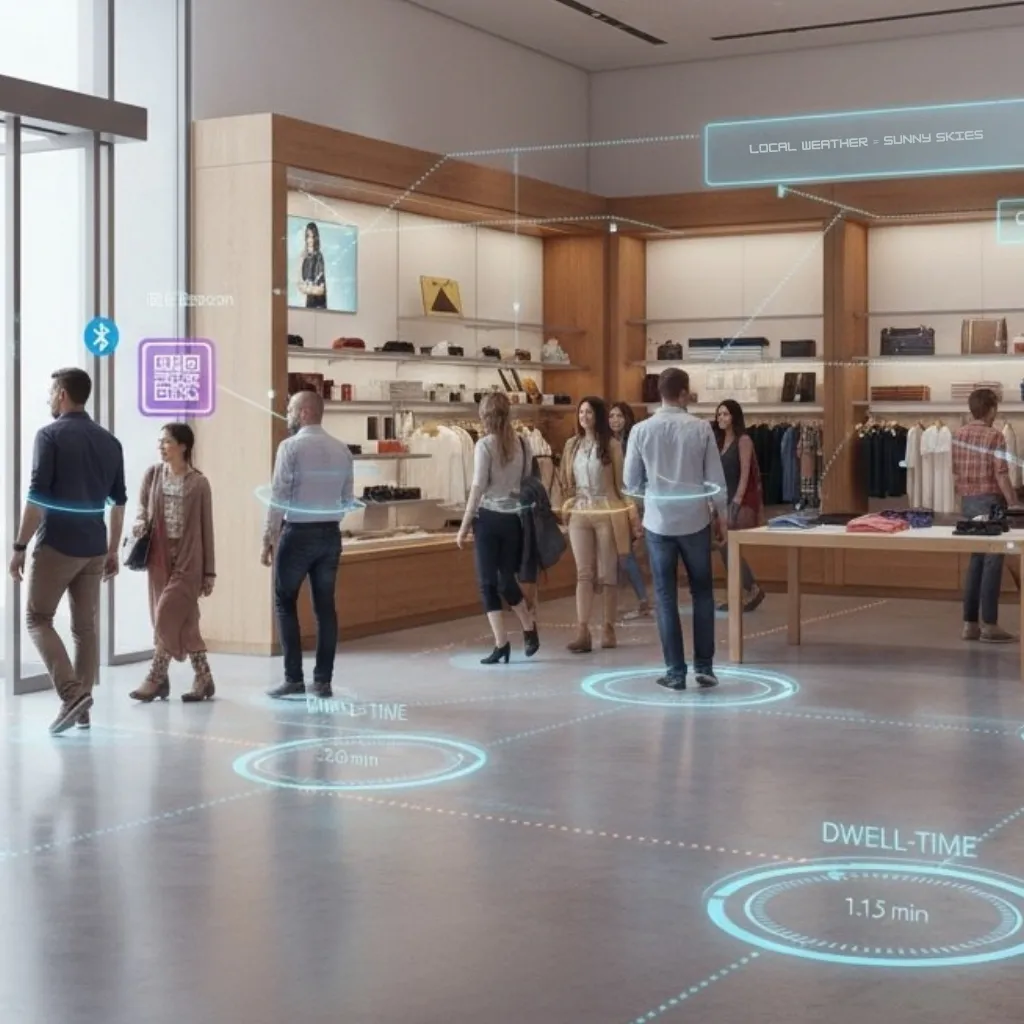
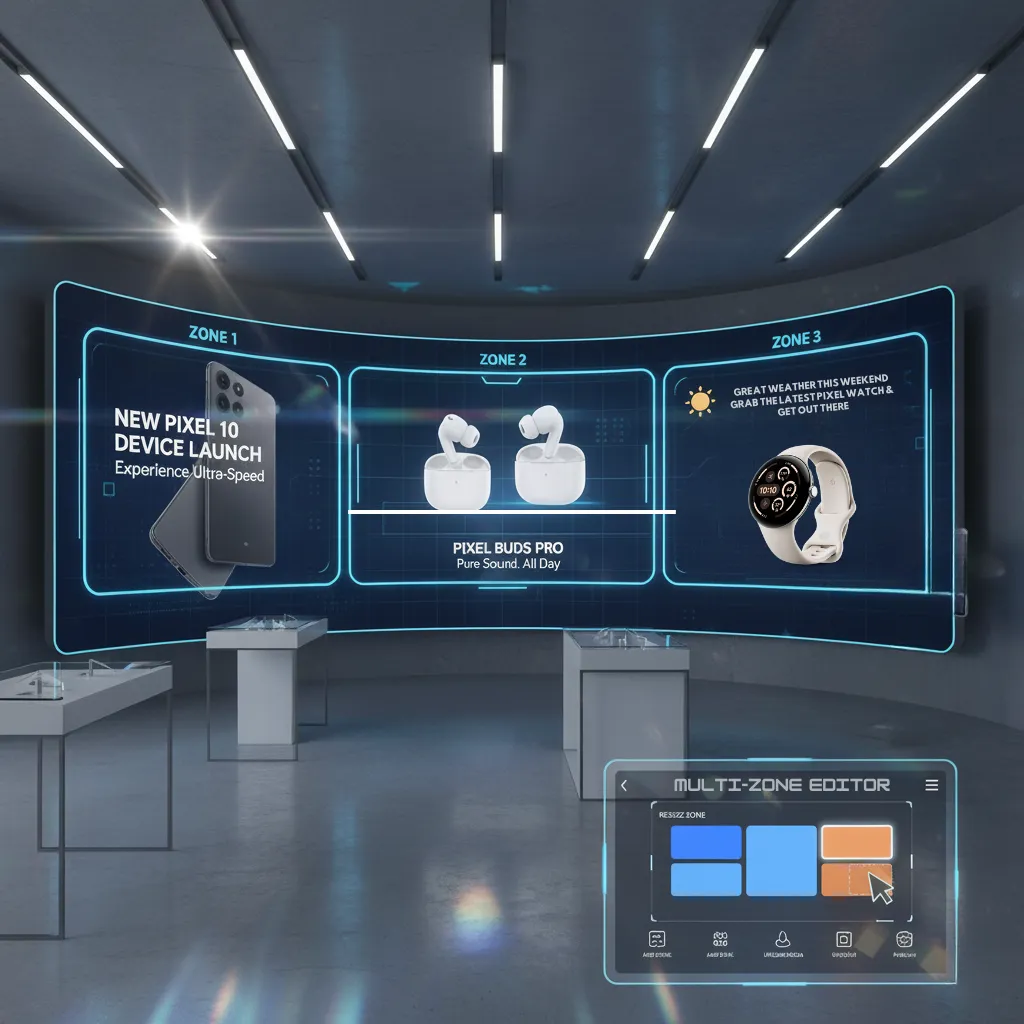
Leverage local data in real-time -> weather, traffic, live scores, social feeds.
Weave into displays so content is always relevant, fresh and responsive to context.

Full control over ad slot inventory: choose whether each slot plays your own or paid campaigns.
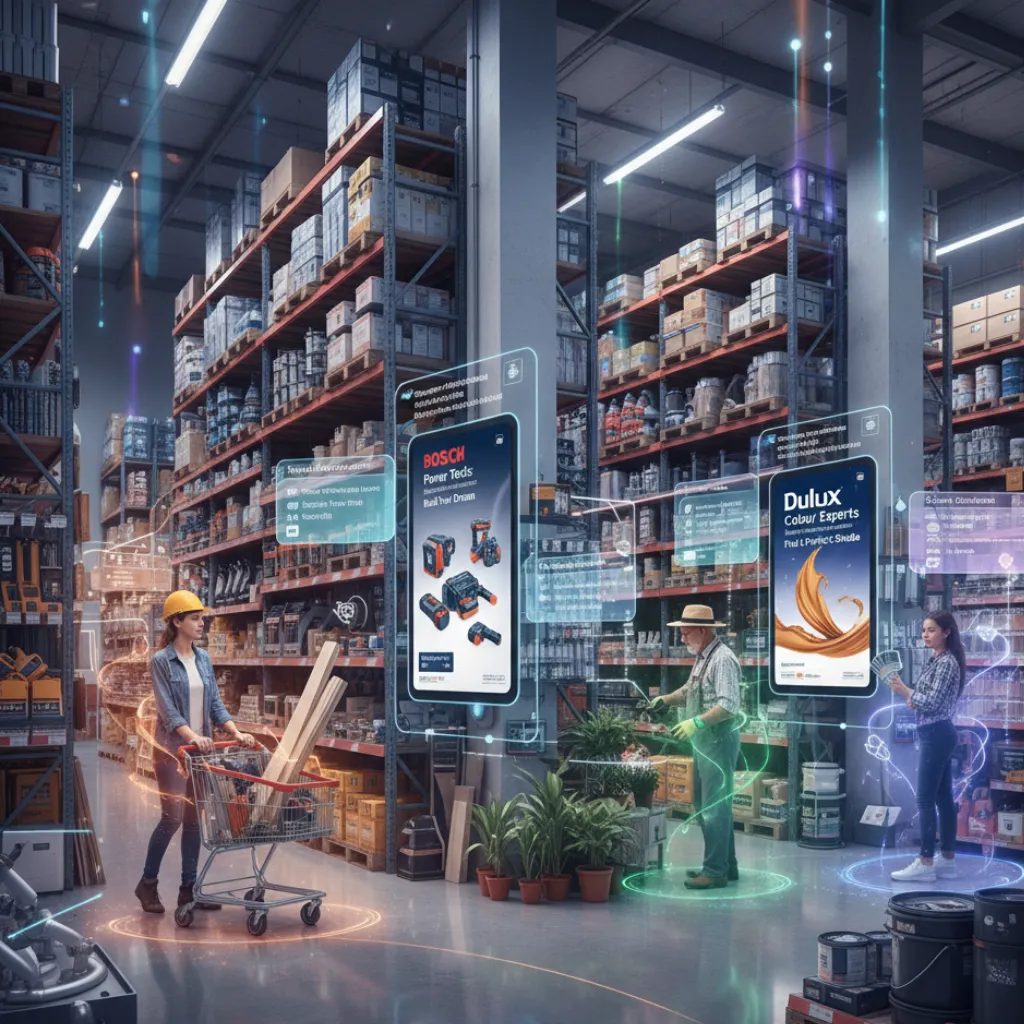
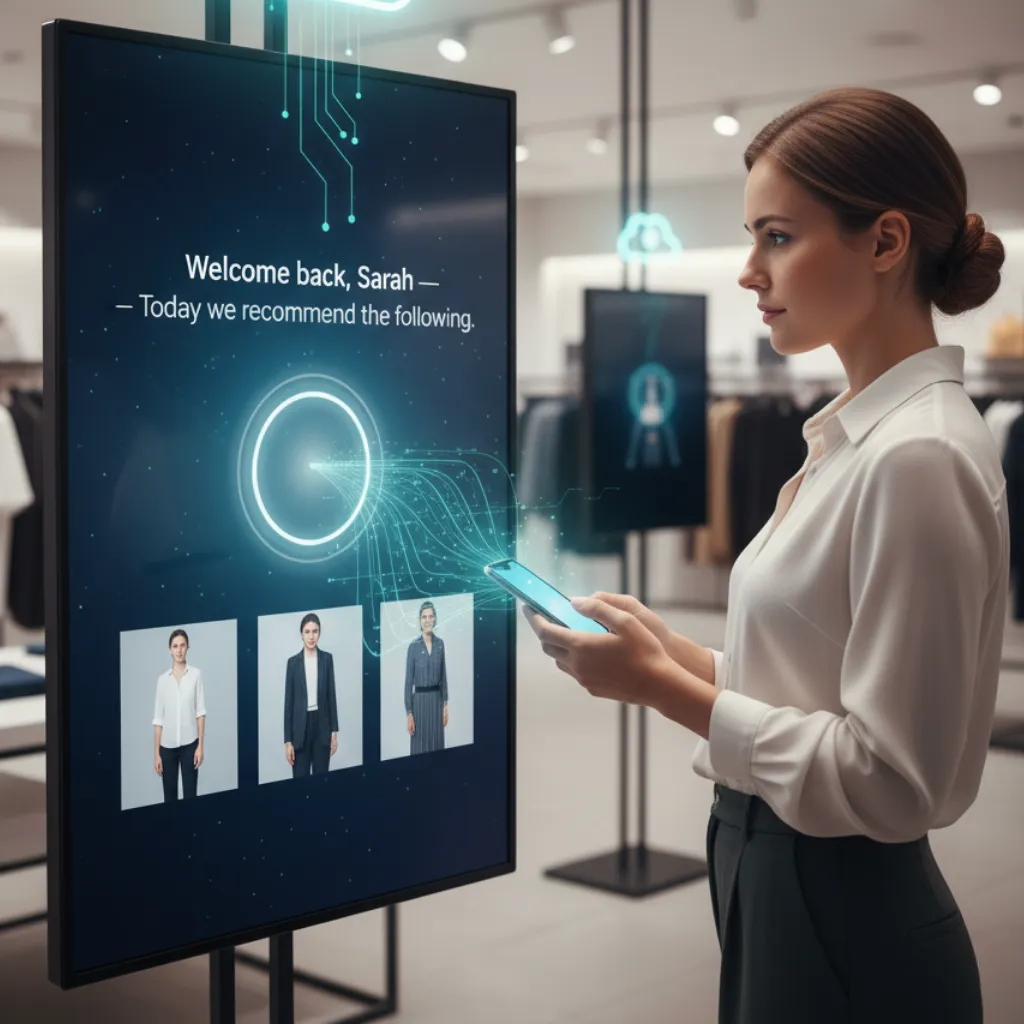
Use your first-party and loyalty data to target advertiser campaigns and lift conversion on offers in the aisle and at the point of sale.

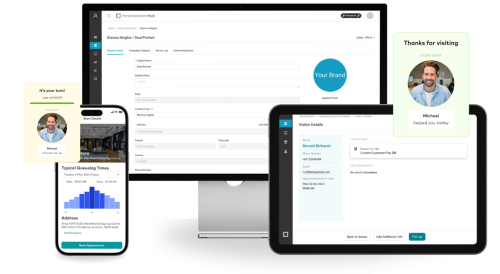
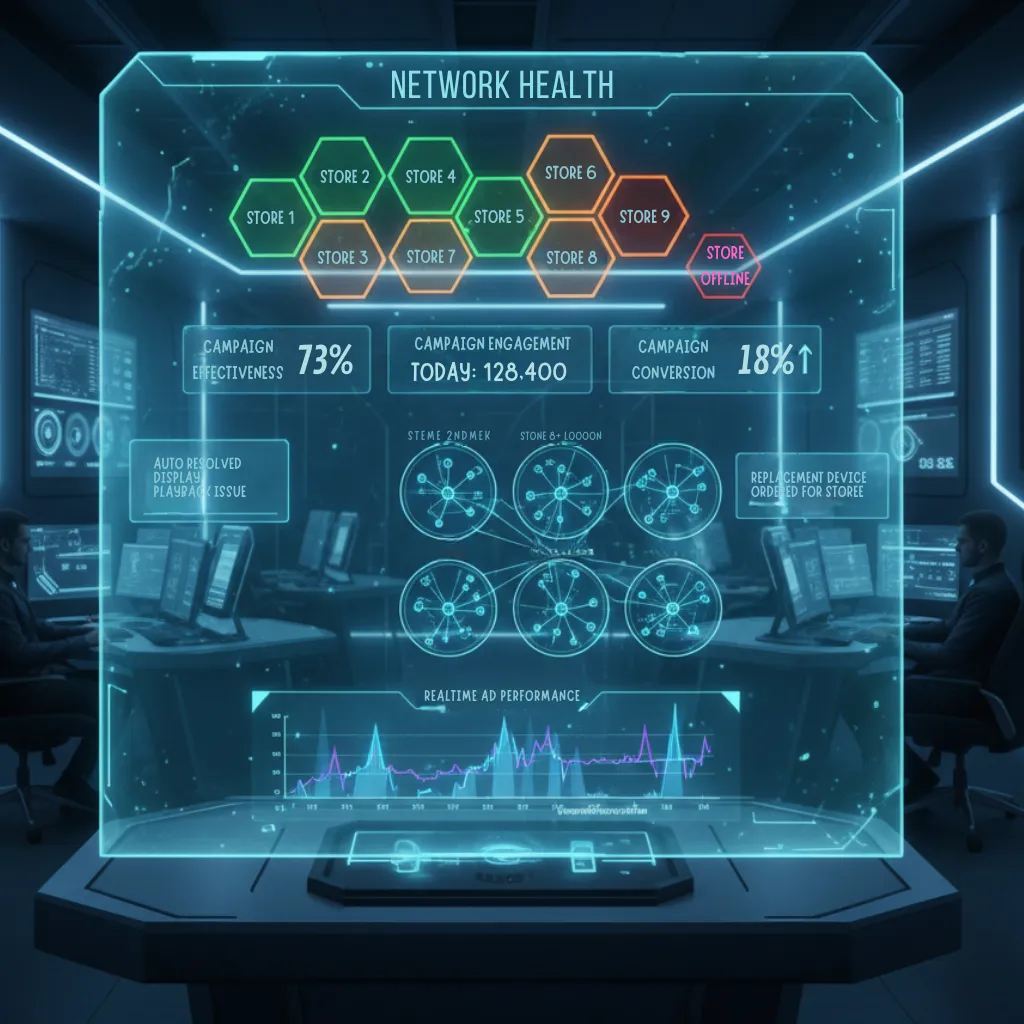
Oversee the health, status and performance of your entire screen network from a single pane of glass, with alerts, diagnostics and campaign performance metrics in real time.
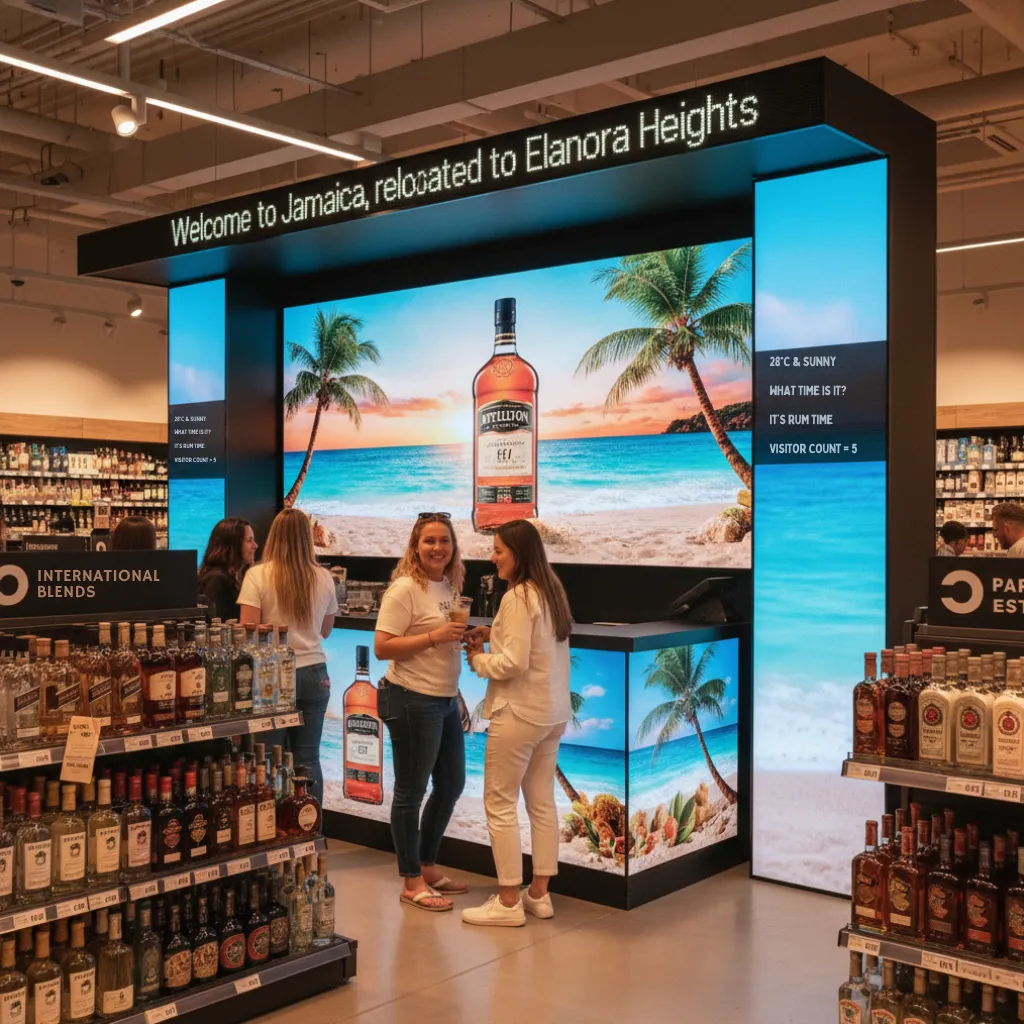

Start by working with your AI Agent on a campaign brief (product/offer, objective, target audience)
Platform supports MCP so can be seamlessly integrated into your Agentic workflows.

Choose which touchpoints and displays the campaign will run on
Optionally use triggered or contextual modes (e.g. QR control, staff-initiated overrides)

Define your audience targeting rules (by store/location, based on queueing/appointment data or connected customer data)
Add required schedule(s), including full day parting support and advanced scheduling rules (e.g. based on local store opening/closing hours)
Track proof of play, engagement and device health in real time
Use performance data to re-prioritise creatives, adjusts scheduling and continually optimise campaign performance

Connect in-store engagement to online and mobile campaign metrics
Deliver transparent playback and performance reports for internal and advertiser use

Campaign Optimisation: Auto-refine creative and messaging based on in-store transactions
Engagement Optimisation: Adapt in-store experiences focused on maximising customer engagement
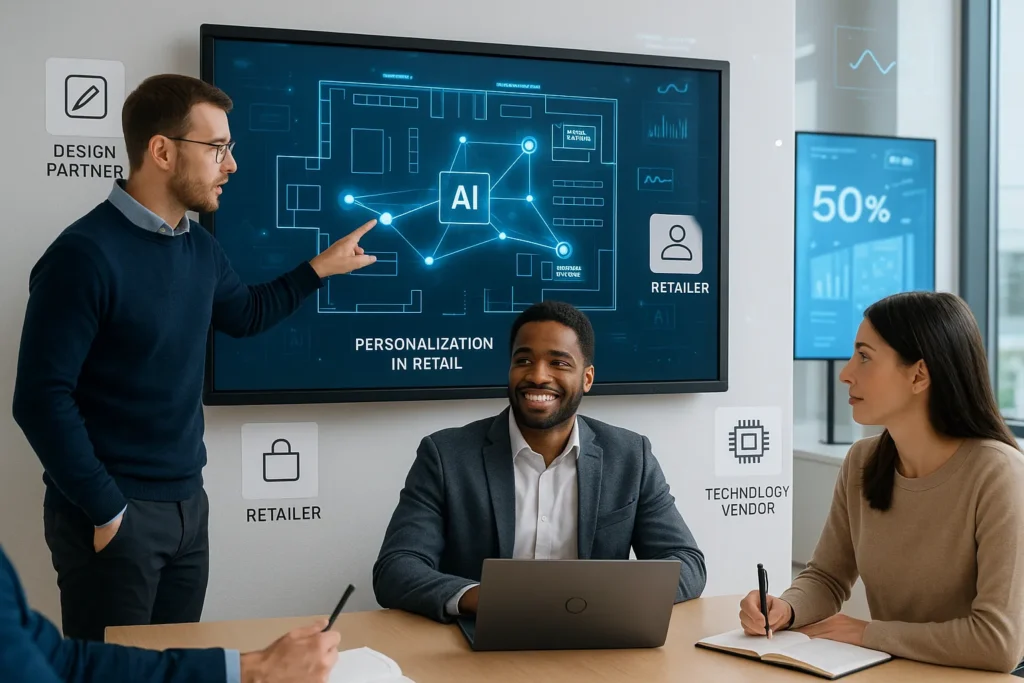





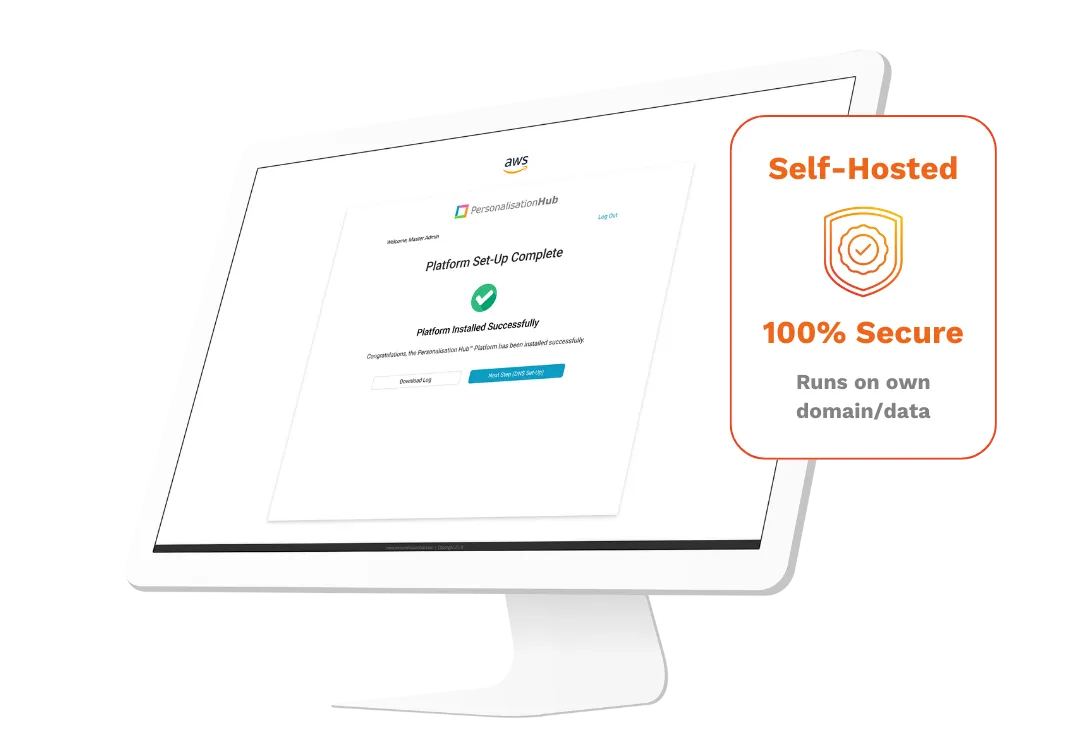
Digital Signage is part of Personalisation Hub is a self-hosted personalisation platform for businesses with physical locations. It combines live store context (time, weather, stock) with your own customer data and personalises websites, apps and in-store screens in real time. It runs in your own AWS account.
Businesses with physical locations: stores, venues and branches
Time, weather and stock, plus your own CDP, CRM, loyalty and decisioning data
Self-hosted in your own AWS account (VPC) and on your own domain.
Any digital signage device, alongside your existing app and systems.
Typical installation takes about 1 hour 15 minutes, as stated on the AWS Marketplace listing.
30-day free trial on AWS Marketplace, then billed through your AWS account.
Last updated
It is digital signage you run on your own domain, in your own AWS account, with AI agents that help create the campaigns the screens play. Screens play the playlist of their display type, so one upload reaches every screen of that type.
Campaigns can be scheduled, localised to a store or display, targeted at an audience, or triggered by a real-time event. The same platform also runs queueing, appointments and mobile store sites.
Help Centre: About Personalisation Hub, Enable digital signage
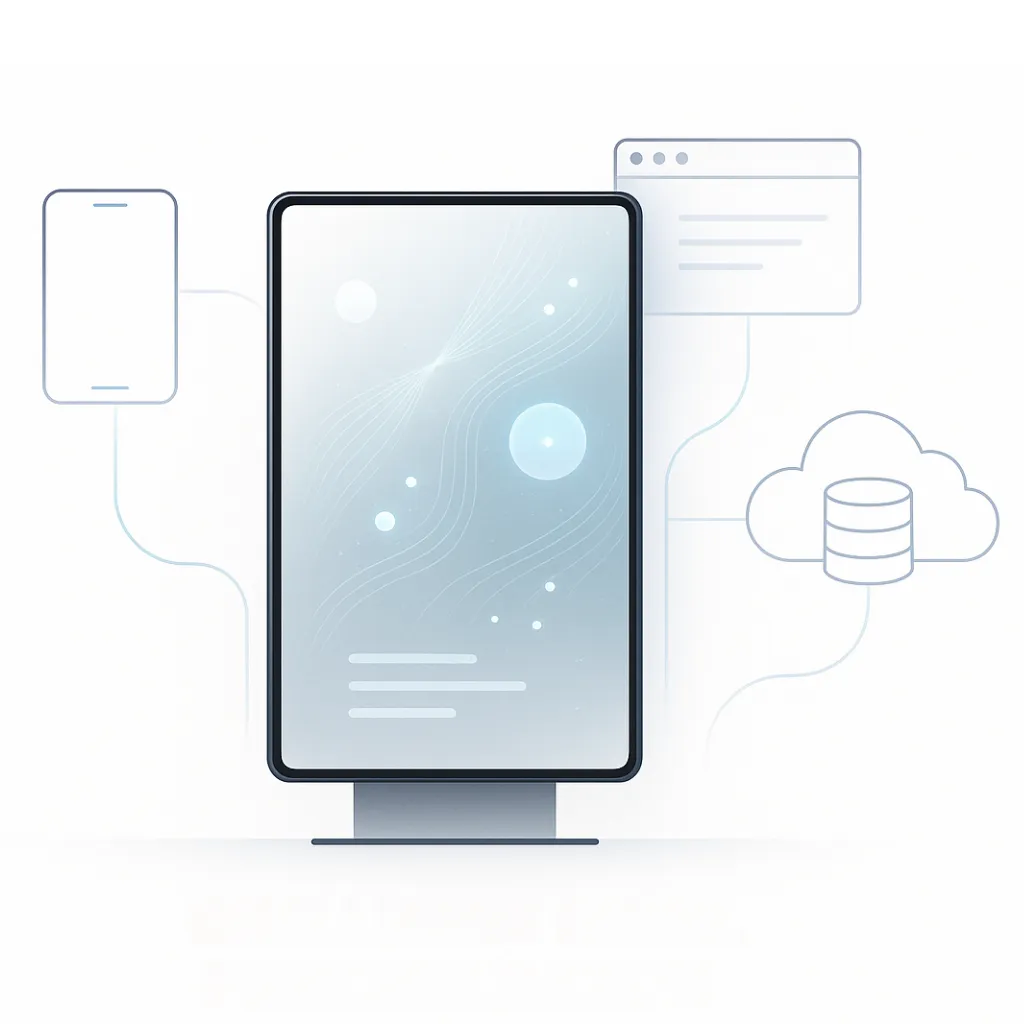
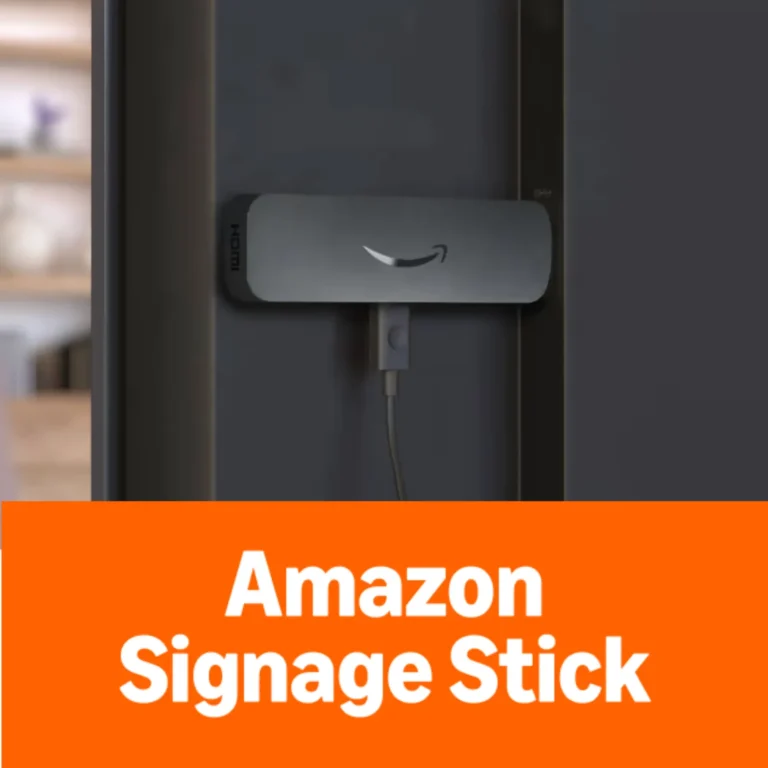
Any digital signage hardware. The player is a progressive web app (PWA) that is easily extended to the players you already use; Amazon Signage, Fire TV, ChromeOS and Android are examples.
ChromeOS and Android devices are managed through your own MDM or CDM. Each display then shows its status, active playlist and any playback issues in the Displays & Devices list.
Help Centre: Enable digital signage, Register a new display or device
A campaign is connected to a screen through the playlist of its display type. Add the campaign to the playlist once and every display of that type plays it.
You choose the schedule, targeting and priority for each campaign, and can activate or deactivate it at any time.
Help Centre: Create a display type and playlist, Add a campaign to play on a digital signage display, Prioritise which campaigns play first
Yes. Targeting rules combine store segments, display tags, the languages of staff on shift and visitors' reasons for visit, so each store or screen plays what suits it.
Store segments group stores by mostly stable attributes such as demographics or a metro, regional or airport location. Weather and stock are handled dynamically, from each store's current temperature and real-time stock levels.
Help Centre: Localise campaigns with store segments, Target campaigns at specific displays with display tags, Target a campaign
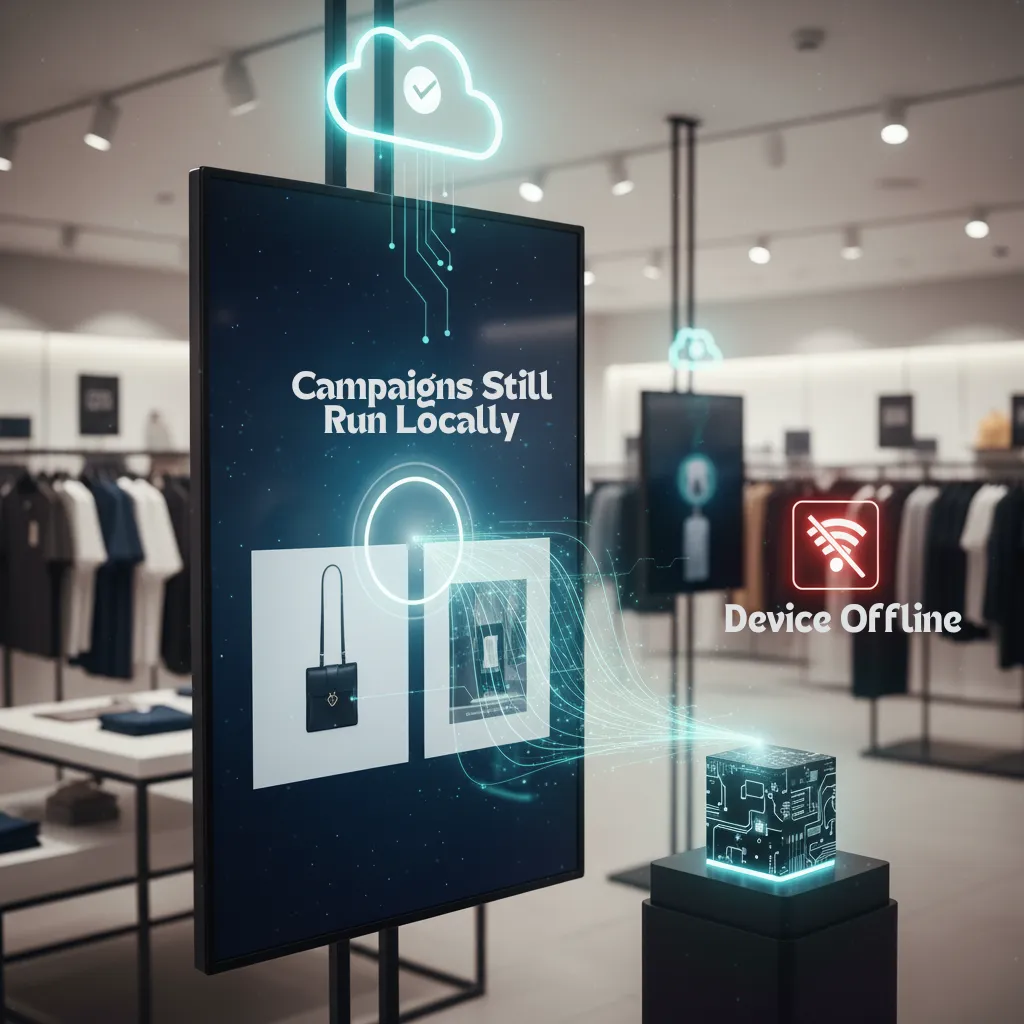
The Displays & Devices list shows each screen's status and time offline, and the platform can notify you when a display goes offline.
You can also view a display's log history and a campaign playback audit to find playback problems.
Help Centre: View a display's status and time offline, Get notified when a display goes offline, View the campaign playback audit for a display
An HQ Admin user switches it on once for the organisation in Platform Admin, then once for each store that has screens. Allow about 5 minutes, plus your device management set-up.
Until both are on, devices in that store cannot register or receive campaigns.
Help Centre: Enable digital signage, Create a display type and playlist