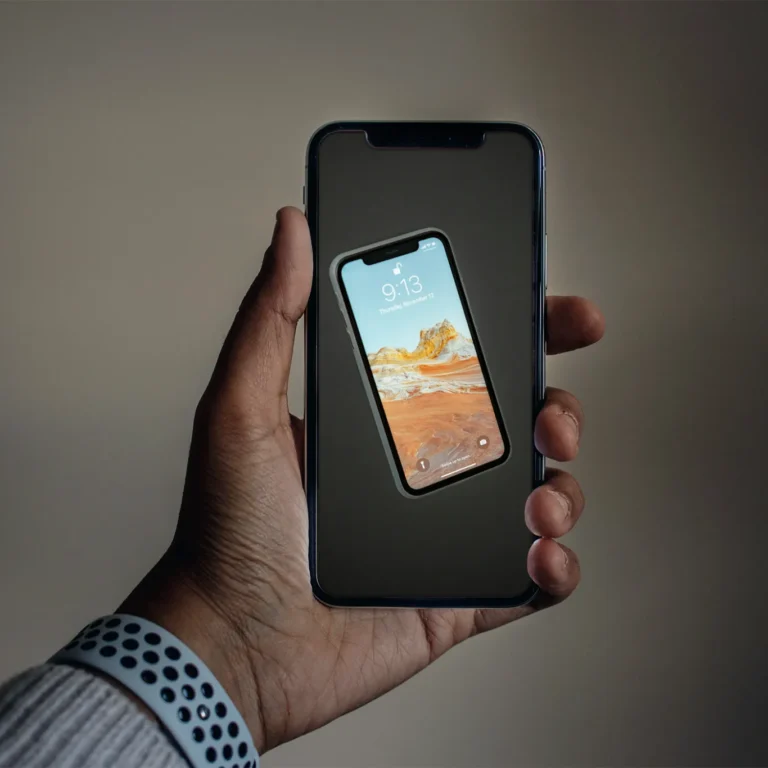

Own the Relationship with Customers once a Purchase Decision has been made.
Support a Differentiated Experience that re-enforces a Customers Purchase decision.

Leverage available Customer Insights/Intent to Maximise Up/Cross-Sell Opportunities
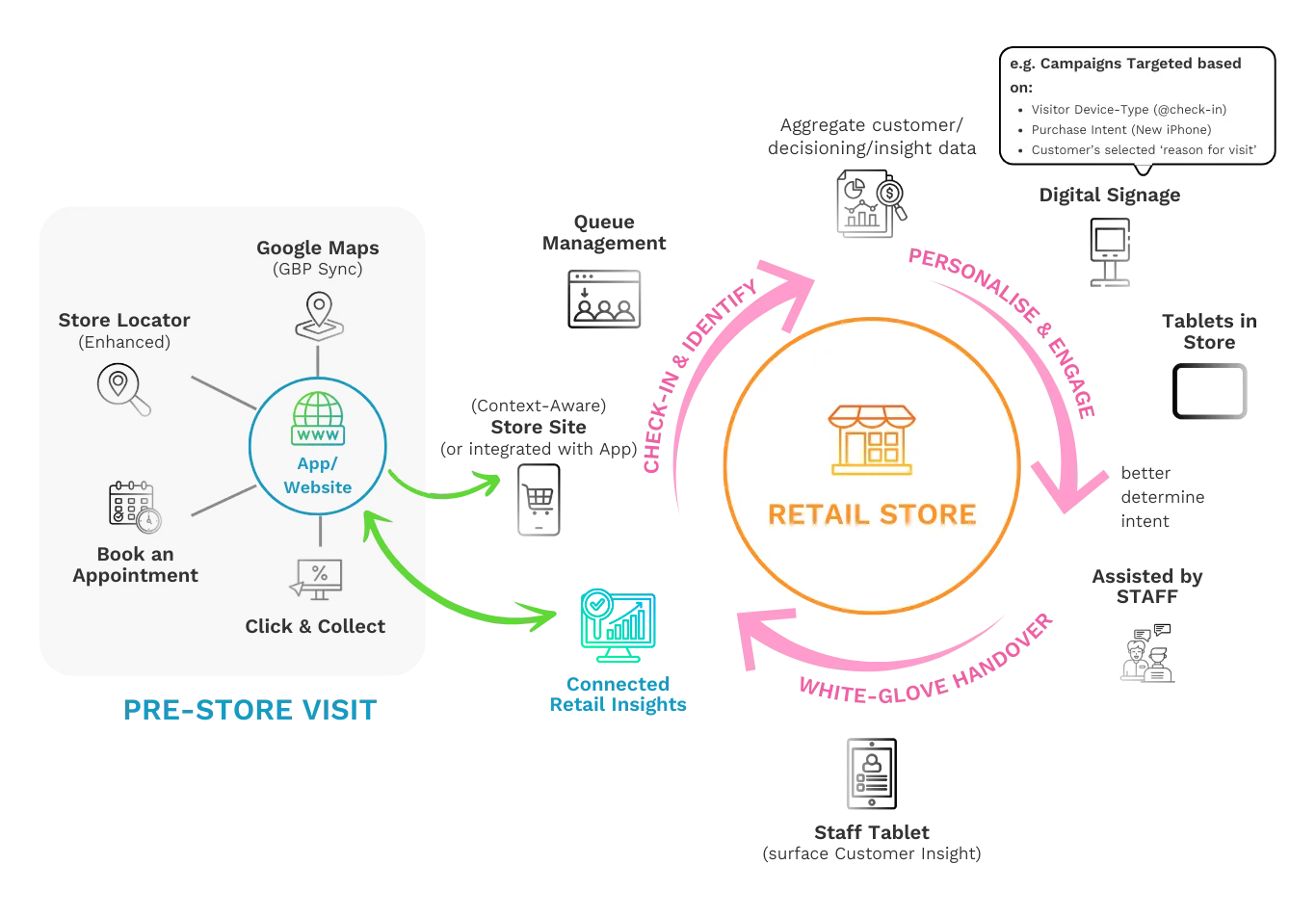
Influence Your Customer’s Purchase Decisions before they reach the Store.

Integrate A.I/Chatbot to Resolve any Enquires prior to a Customer’s Store Visit.
Reduce Average Handling Time In-Store & Support Ongoing Optimisation of Your Retail CX.

Support a Seamless Check-In Experience when Customer’s Arrive in a Retail Store.
Ability to Synchronise Interaction & Transaction data across all Channels (including Physical Retail ) to better understand & Optimise Your Return on Marketing Investments (ROMI).

Once a Customer has Checked-Into a Store, the Mobile Store Site Shifts into Store (Shopping) Mode.
Mobile CX updates to provide Customer’s with Tools that make their Shopping Experience a more Interactive one.

Update a Customer’s CX based on the Aisle/Section of the Store that they are standing in.
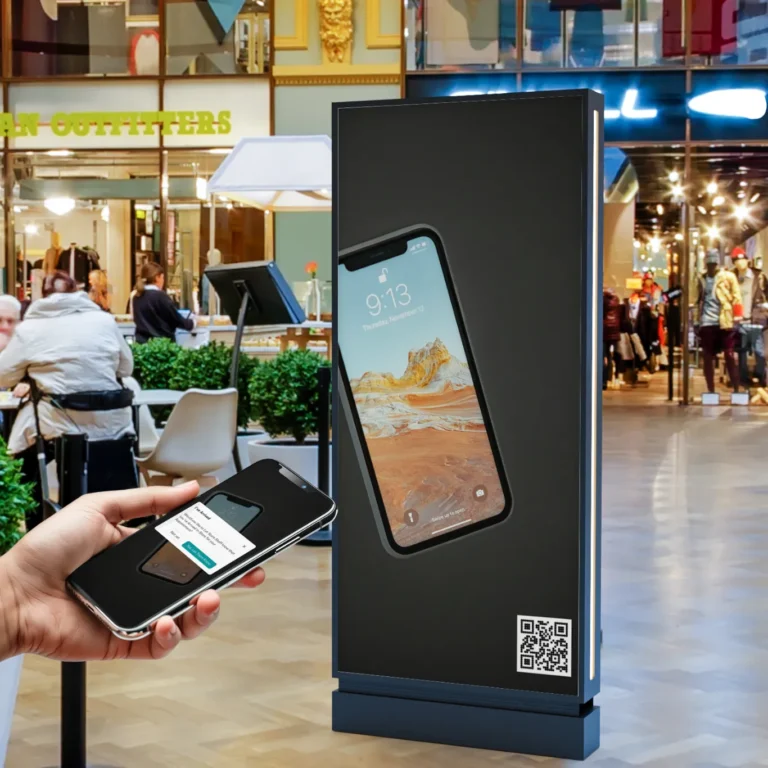
Support Hyper-Localised Experiences that can be Synchronised with Local Retail Displays, to Drive Impulse Purchases
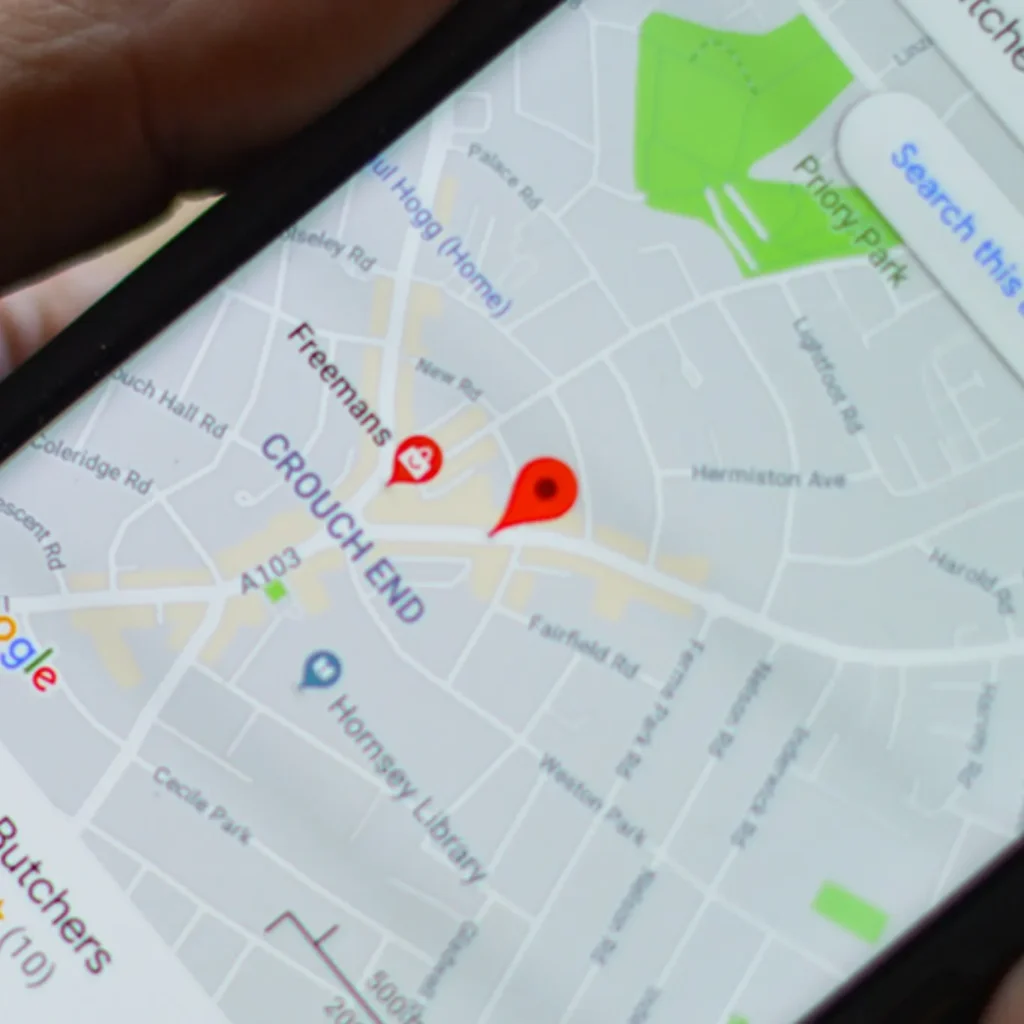
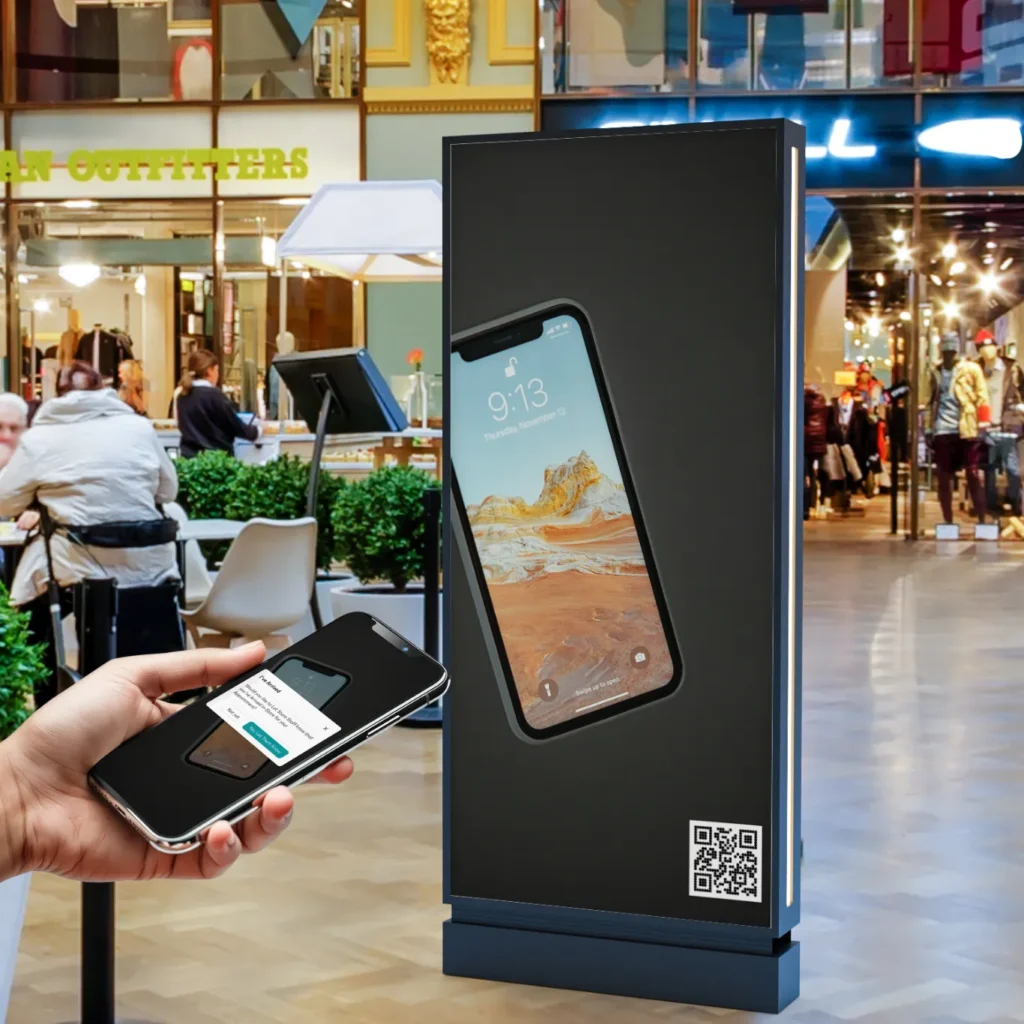







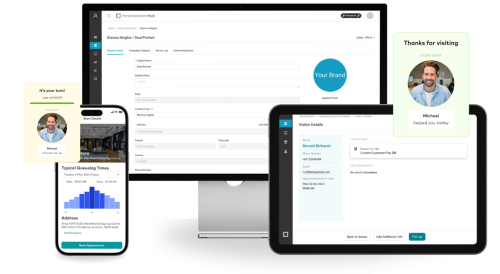
Store Sites is part of Personalisation Hub is a self-hosted personalisation platform for businesses with physical locations. It combines live store context (time, weather, stock) with your own customer data and personalises websites, apps and in-store screens in real time. It runs in your own AWS account.
Businesses with physical locations: stores, venues and branches
Time, weather and stock, plus your own CDP, CRM, loyalty and decisioning data
Self-hosted in your own AWS account (VPC) and on your own domain.
Any digital signage device, alongside your existing app and systems.
Typical installation takes about 1 hour 15 minutes, as stated on the AWS Marketplace listing.
30-day free trial on AWS Marketplace, then billed through your AWS account.
Last updated
It is a mobile web page that the platform generates for every store. Its content changes with the visitor's context, so there is no app to install.
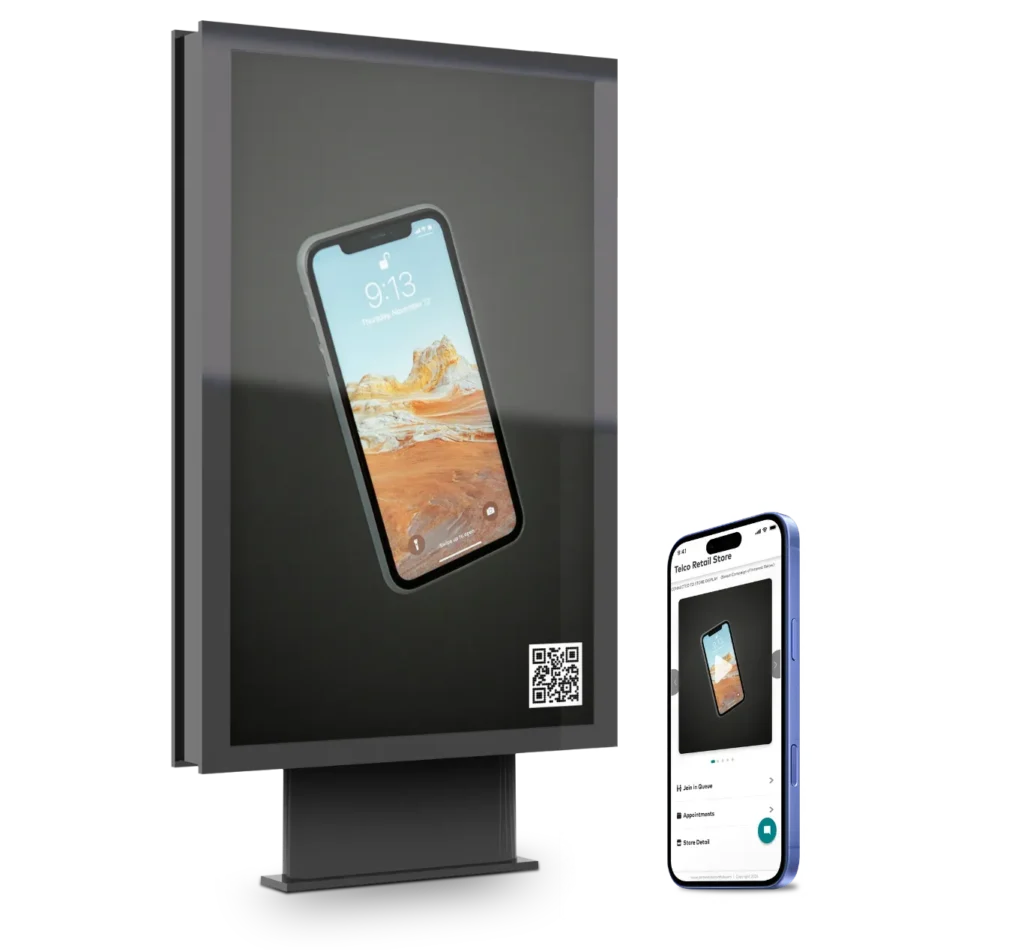
Each site is built from a mobile site template that defines the header, the menu items and whether visitors can scan a display's QR code from inside it.
Help Centre: Why create a mobile site for your stores?, Define your default mobile site template
The menu changes with the visitor's state: Away from Store, Connected Store, Connected Display or Connected Website.
The same link can offer directions on the way in, the queue once the visitor has checked in and an offer at a specific display.
Help Centre: Why create a mobile site for your stores?, Personalise a visitor's store experience
Through the store's QR code, which you can download for each store, or by scanning a display's QR code with QR Control.
Messages the platform sends, such as appointment confirmations, can also open the branch's site.
Help Centre: Download a store's QR code for its mobile store site, Why create a mobile site for your stores?, About Personalisation Hub
Yes. You can assign a different template to a store, a display or a zone, so the entrance, a gaming zone and the concierge each show their own menu.
Allow about 30 minutes for a store with three zones.
Help Centre: Assign a different mobile site template to a store, display or zone, Personalise a visitor's store experience
Yes. You choose which campaigns appear in the campaign carousel and the order they appear in.
You can also create a call to action for campaigns that are on rotation.
Help Centre: Choose which campaigns appear in the campaign carousel, Control the order campaigns are presented in, Create a call to action for on-rotation campaigns