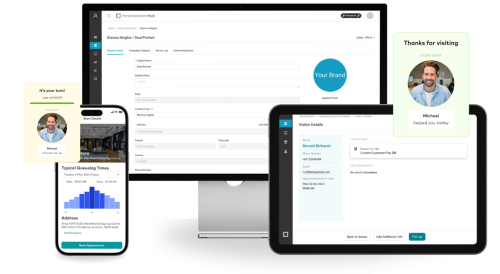
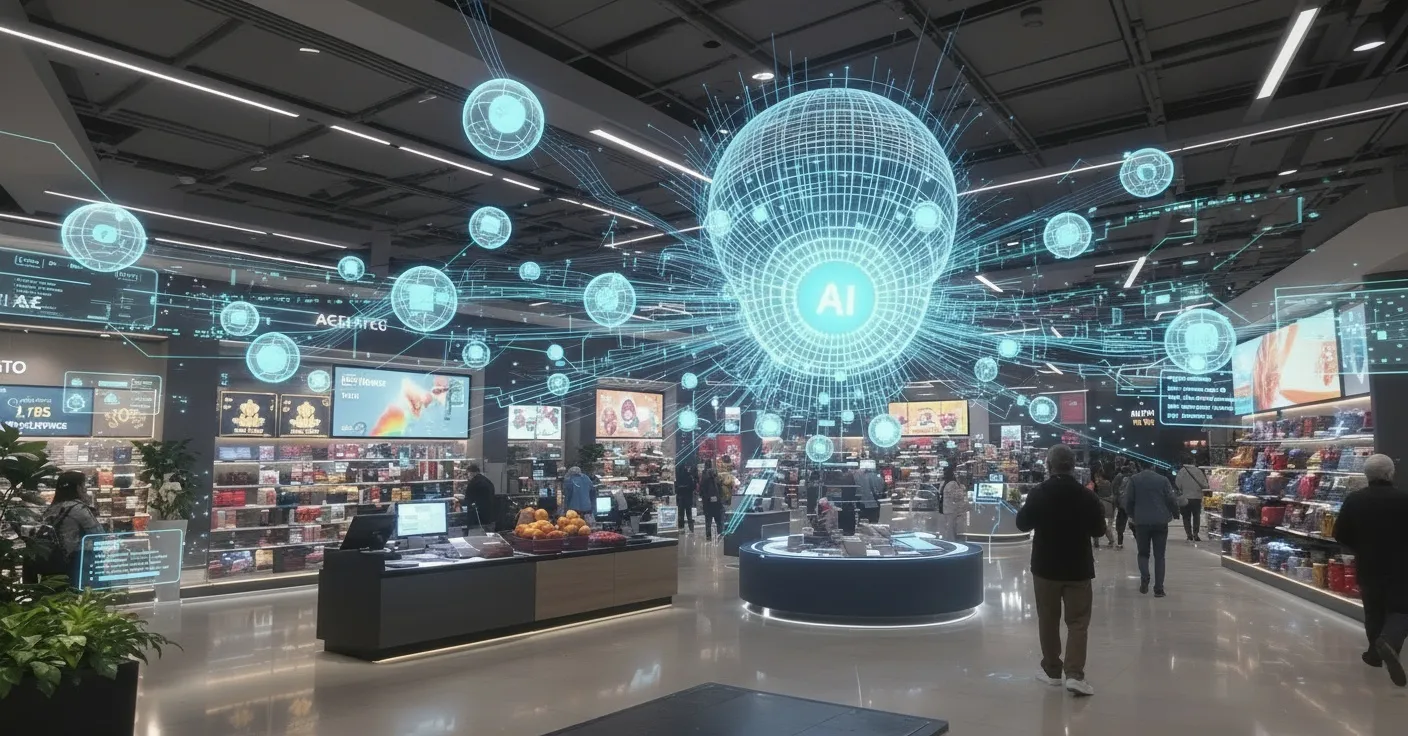


Aggregates and controls all personalised experience data — including visitor profiles, recent interactions, product holdings, and purchase history — to form a single, privacy-safe identity layer. → Enables consistent, connected experiences across channels.

Creates a digital twin of every store from its store data, cameras and sensors (e.g. Mist Wi-Fi) for dynamic campaign localisation, and syncs store data with Google Business for accurate Google Maps listings. → Supports operational visibility, audience measurement, and contextual personalisation.

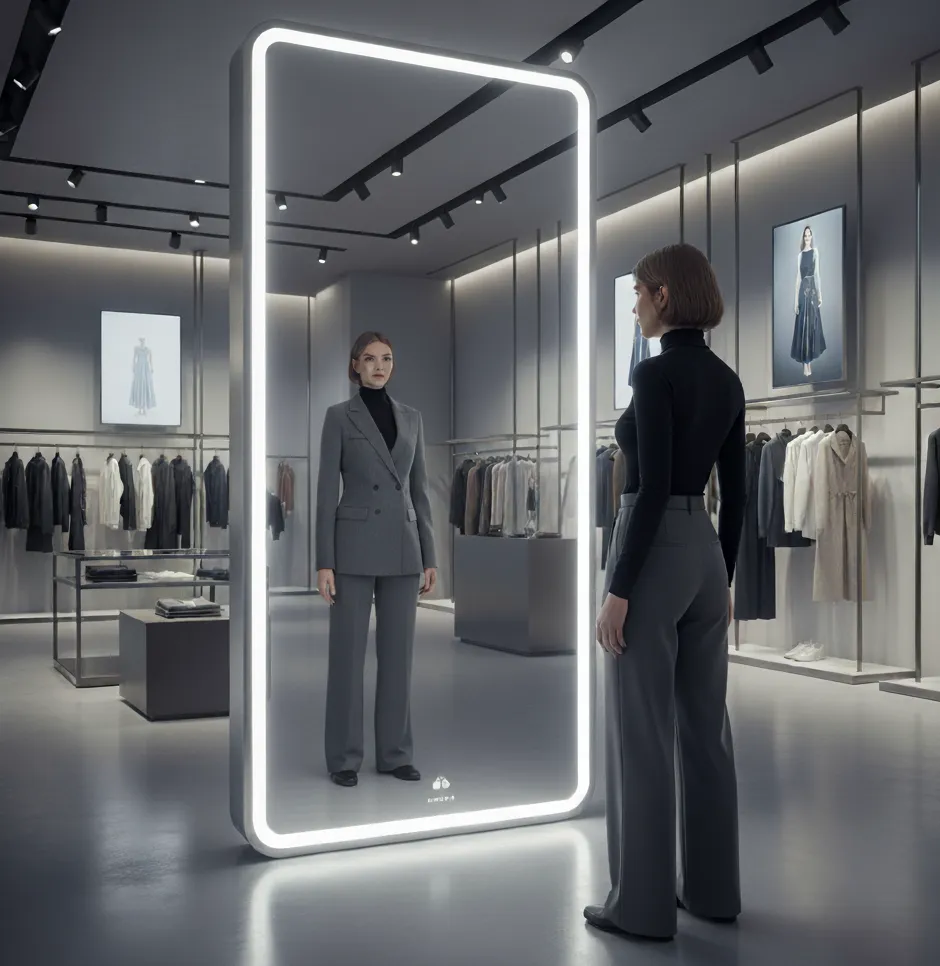
Connects online and offline touchpoints — digital signage, web, mobile, and in-store screens — to personalise experiences dynamically. → Allows creation of personalised ads, videos, and experiences in real time, supported by product and stock data.

A model-agnostic harness uses the best available models from brief to creative. Leading providers are only the defaults; use any model, including your own. → Retailers can leverage the best AI tools for recommendation, content generation, and optimisation, ensuring flexibility and future-proofing.


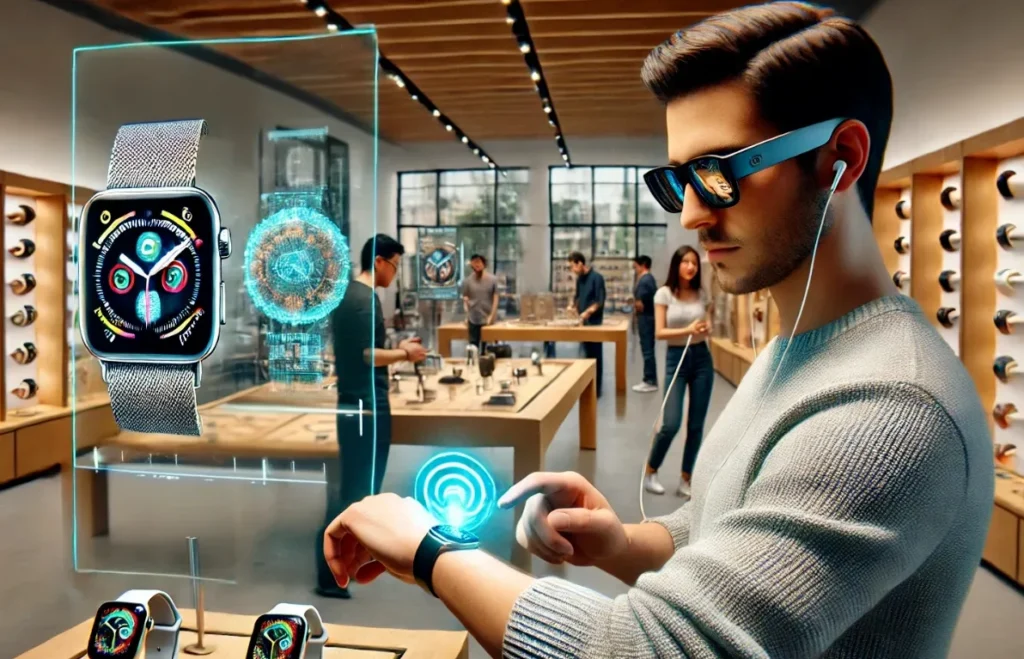
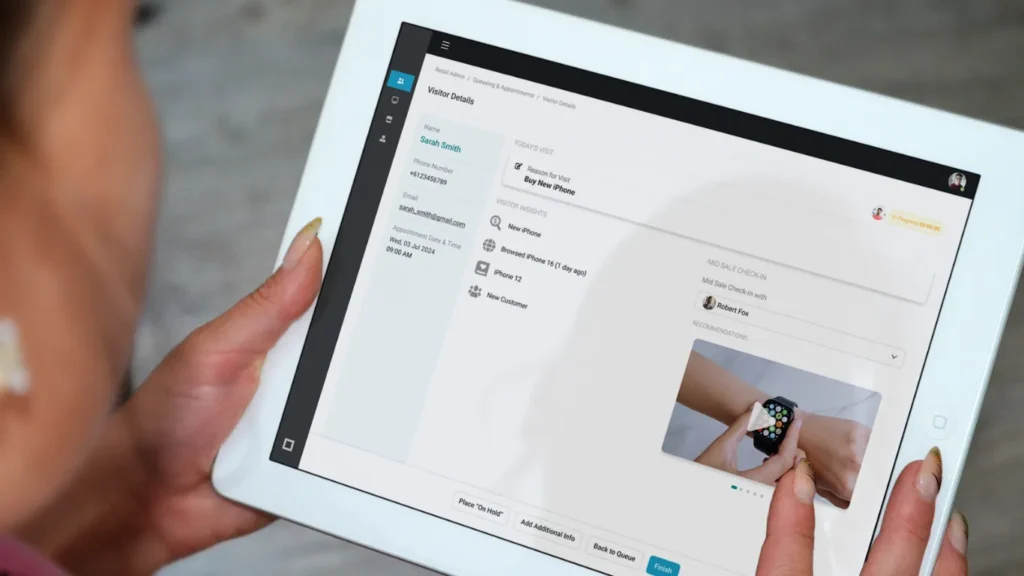

Customer Experience: Capture & understand real-world customer experience (end-to-end) within your retail stores. Ensure your organisation's AI models have access to understand every customers purchase journey.
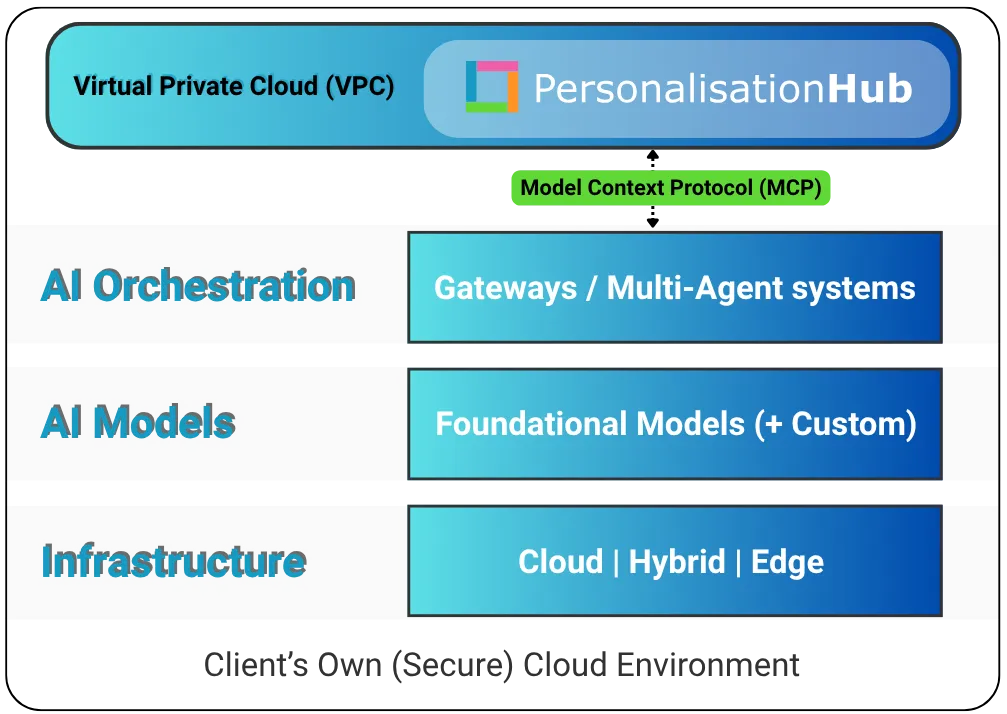
Runs on 1st Party Data: Self-hosted, Sits behind your organisation’s own security infrastructure (100% Secure) & is therefore able to accurately track your customers across all your owned touchpoints.

Grow: Seamlessly add displays & devices in retail (incl IoT). Leverage any connected data to further optimise visitor & staff experiences.
Operate: Single solution to monitor all your displays & devices, including visibility of real-time campaign playback & engagement. Where visitors interact with a campaign/offer, ensure these retail interactions can be utilised on other touch-points (incl. remarketing).

Leverage Existing Customer/Decisioning/Data investment & maximise business outcomes, whilst ensuring that you are ready for a New AI powered future.
The time is now to leapfrog your competitors!
First 30 Days are on us
(we are so confident in our platform)





AI Agents is part of Personalisation Hub is a self-hosted personalisation platform for businesses with physical locations. It combines live store context (time, weather, stock) with your own customer data and personalises websites, apps and in-store screens in real time. It runs in your own AWS account.
Businesses with physical locations: stores, venues and branches
Time, weather and stock, plus your own CDP, CRM, loyalty and decisioning data
Self-hosted in your own AWS account (VPC) and on your own domain.
Any digital signage device, alongside your existing app and systems.
Typical installation takes about 1 hour 15 minutes, as stated on the AWS Marketplace listing.
30-day free trial on AWS Marketplace, then billed through your AWS account.
Last updated
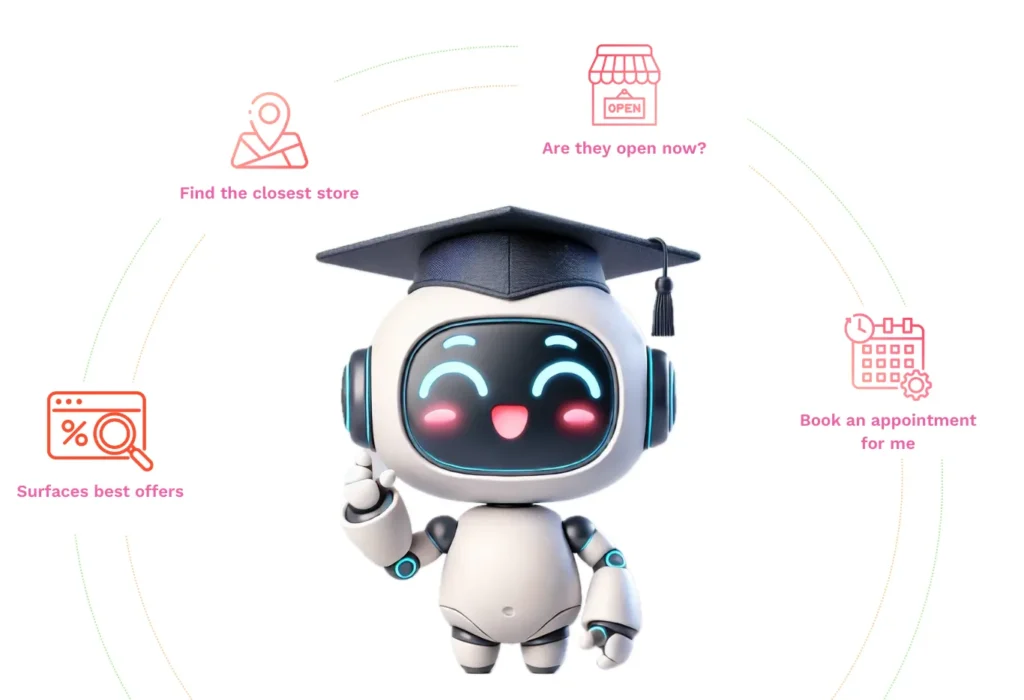
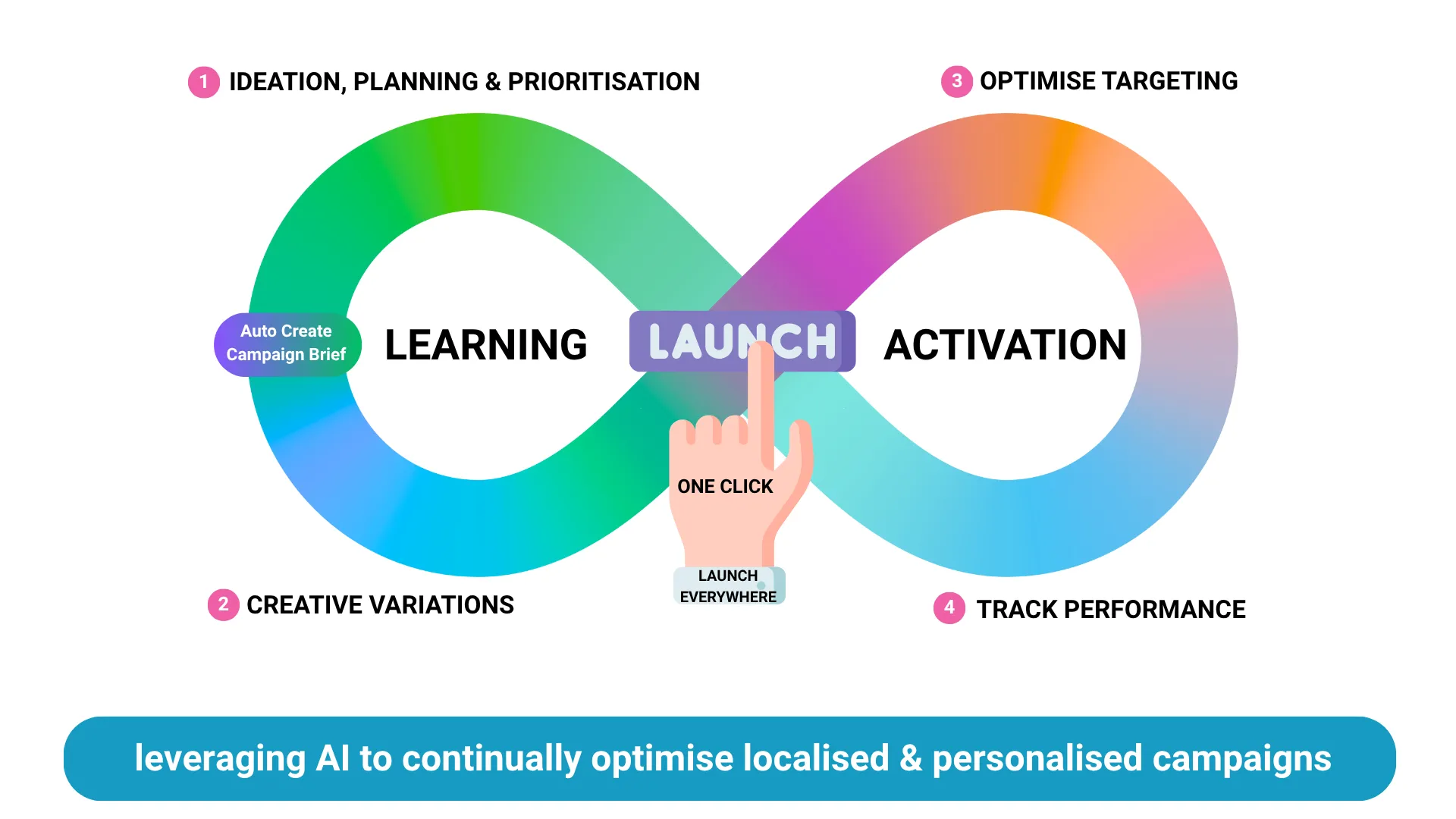
You describe the campaign to the AI assistant, by typing or speaking, and the platform writes the campaign brief. From the brief it generates a storyboard, copy and creative for each enabled touch-point.
AI skills run in sequence: capture the request, write the brief, generate the storyboard and copy, then generate the creative and preview video. You review and refine each stage.
Help Centre: Launch a new campaign, Generate storyboard, copy and creative with AI, AI agents and skills reference
Any model you choose. A model-agnostic harness assigns a model to each AI skill; OpenAI, Google Gen AI and LTX are the defaults the creative process is first optimised for, and you can use any model, including your own internal models, as models evolve.
Different skills can use different models. The platform calls the providers you configure from your own AWS account, through a Squid proxy.
Help Centre: Connect AI models and providers, AI agents and skills reference, Where is my data stored and how is the platform secured?
Yes. The brief draws on the target audiences, campaign objectives and brand guidelines that you define in the platform.
Upload your brand guidelines once, and the AI agents use them for every campaign they create.
Help Centre: Upload your brand guidelines for the AI agents, Define target audiences and campaign objectives
Yes. The same Launch a New Campaign button also offers a manual option, where you define the campaign information and upload the assets yourself.
When the brief is written by hand, the two brief-stage AI skills are not used. The remaining generation steps only run if you select them on the campaign.
Help Centre: Launch a new campaign, Generate storyboard, copy and creative with AI
With closed-loop campaign optimisation enabled, the platform analyses how each campaign performs and optimises the next version of that campaign, so it drives more revenue.
Optimisation works alongside targeting and prioritisation, and HQ can review campaign performance in Insights / Analytics.
Help Centre: AI agents and skills reference, Review campaign performance in Insights / Analytics, Prioritise which campaigns play first